Auto Post Viewer
Best for public channels that post several times a day and want views on every new post without placing orders. The menu puts automatic views first; otherwise it matches TM Smart Bot.
Key facts
- Channel types
- Public only
- Features
- Automatic views on new posts, Single post orders, Post reactions, Service switching / fallback, Telegram Mini App
- Published
- Updated
Pricing
| Package | Price | Price per 1K views |
|---|---|---|
| 1,000 views (lowest-priced service) | $0.10 | $0.10 |
| 1,000 views (highest-priced service) | $0.20 | $0.20 |
Screenshots
Overview
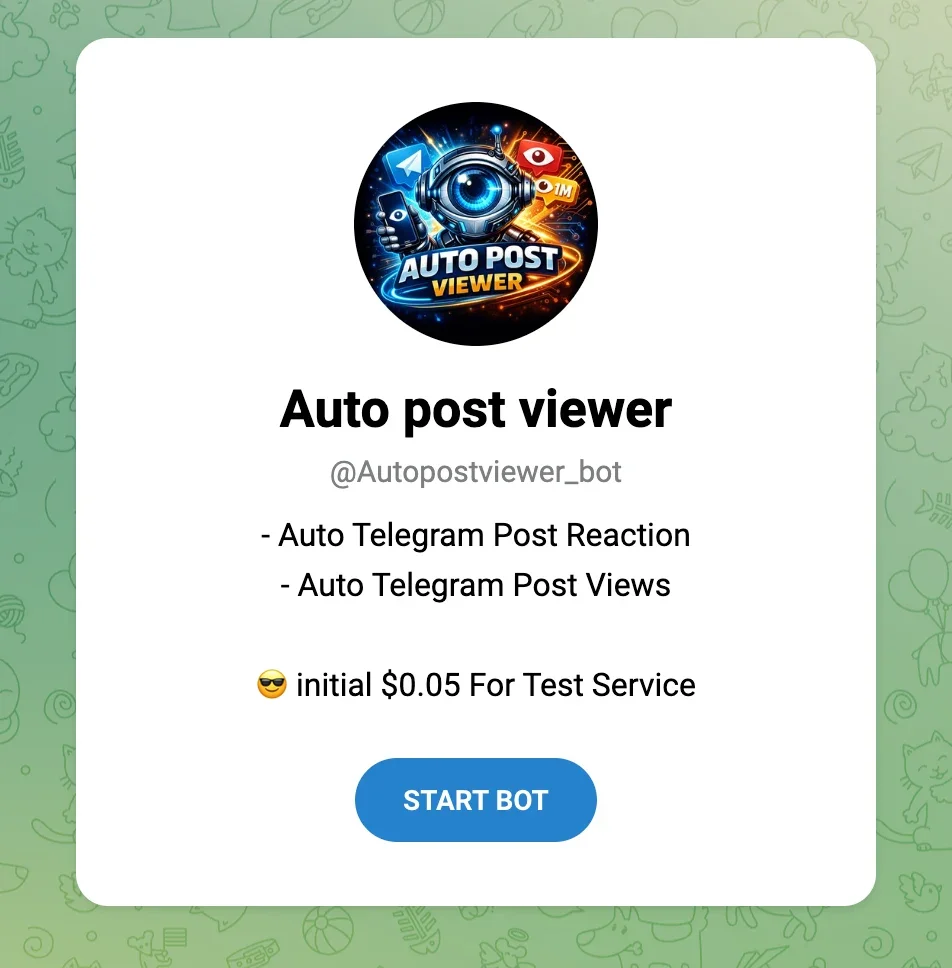
Auto Post Viewer (@Autopostviewer_bot) is built for one job above all: covering every new post in a public channel automatically. You connect the channel once, set how many views each new post should receive, and the bot handles the rest. Its menu puts that automatic setup first, which is the main difference from TM Smart Bot, where single orders, reactions and service choice sit side by side.
If you publish several times a day, that layout saves real time. If you mix manual launch posts with automatic coverage, TM Smart Bot's menu is usually less annoying. Either way, remember that automatic views keep using your balance until you turn them off, so check how to stop them on the same day you switch them on.
Pricing is per 1,000 views, roughly $0.10 to $0.20 depending on the delivery service, with the option to switch services if one fails. One-off orders and reactions are still available. Its Telegram description advertises a $0.05 test balance (checked October 2026). It works with public channels only.
Automatic views work best on posts people would open anyway. For the organic side, see how to get more Telegram post views.
Pros and cons
Pros
- Automatic-views setup is the first option in the menu
- Set a views-per-new-post amount once and forget it
- One-off orders and reactions are still available
- Switch delivery services if one stops working
Cons
- Public channels only — no private or invite-only channels
- Automatic views keep spending until you turn them off
- TM Smart Bot also automates, so the advantage is mostly the menu layout
How to use
- Open @Autopostviewer_bot in Telegram or launch its Mini App
- Connect your public channel
- Pick a delivery service — the per-1K rate depends on it
- Set how many views each new post should receive
- Confirm, then check how to turn automatic views off before you leave