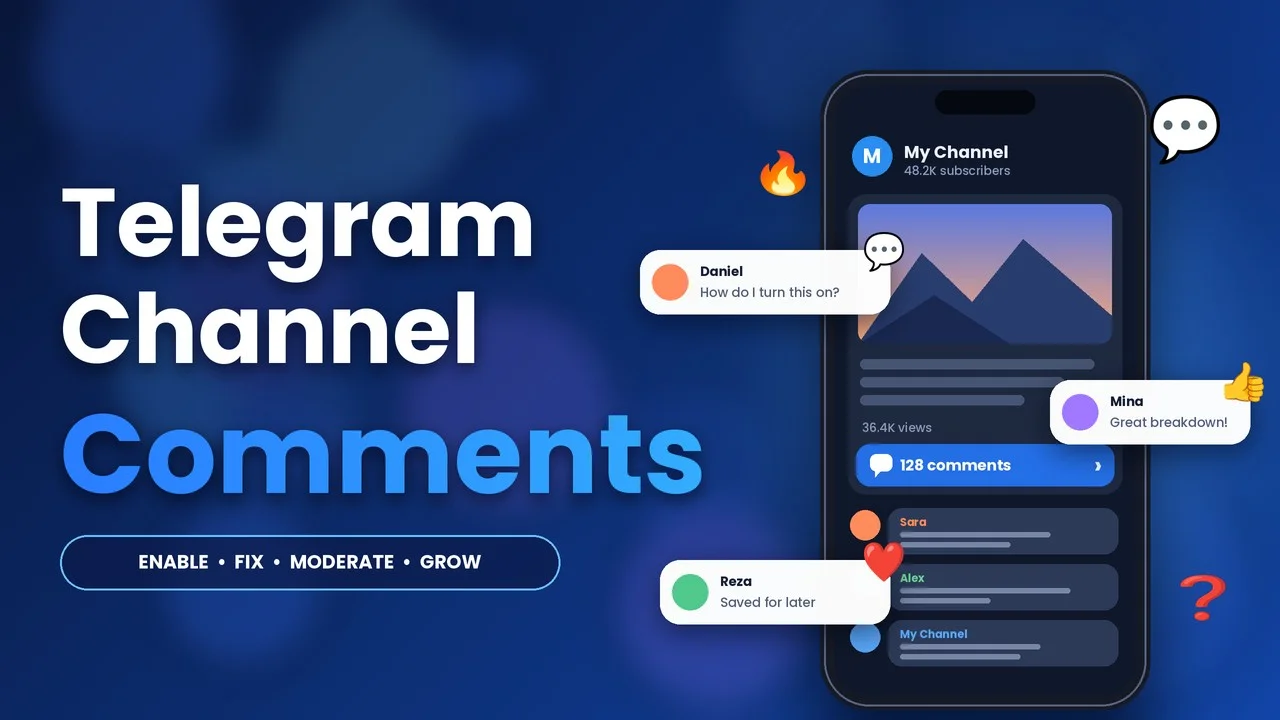
A Telegram channel is built to talk, not to listen. You post, people read, and unless you open the door yourself, nobody can answer you under the post. For a long time I treated that as a feature. Fewer moving parts, nothing to moderate.
I changed my mind once I saw what comments actually do for a channel. They show you which posts started a conversation, they surface the questions your next post should answer, and they make a channel feel inhabited to someone who lands on it for the first time.
This guide covers how comments really work under the hood, how to turn them on, why the comment button sometimes doesn't appear, how to keep spam out, and what I do to get comments that are worth reading.
The short answer
Telegram channels don't have comments of their own. You get them by linking a discussion group to the channel. Once a group is linked, every new post shows a comment button, and the comments under it live in that group.
To turn them on: open your channel's info page, tap Edit, open Discussion, and either create a new group or pick one you already run. That's the whole setup. Everything else in this article is about making the comments useful once they're on.
How Telegram channel comments actually work
Telegram added comments to channels in September 2020, and the design hasn't changed in principle since. In the official announcement, Telegram describes it simply: channels with a discussion group get a comment button on posts, and comments appear in their own thread while also landing in the discussion group.
The developer documentation on discussion groups fills in the mechanics, and once you understand them, most comment problems explain themselves:
- Every new post is copied into the group. When you publish in the channel, Telegram automatically forwards that post into the linked group and pins it there.
- The comments are replies to that copy. The thread under your channel post is really the reply thread of the forwarded message in the group.
- Readers don't have to join the group. Anyone who can see the post can comment by default. People who aren't group members get notified about replies through a separate read-only chat called Replies.
- Your group sees everything. Members of the discussion group see each new post and every comment in one running chat, which is why busy channels feel lively inside the group even when individual threads are short.
That last point is worth thinking about before you link anything. The discussion group isn't a hidden back room. It's a real group, with its own members, its own permissions and its own moderation work.
How to turn on comments in a Telegram channel
You need to be an admin of the channel with the right to change channel info. The steps are almost identical on Android, iPhone and desktop, with slightly different labels:
- Open your channel and tap its name at the top to open the info page.
- Tap Edit (the pencil icon on most apps).
- Open Discussion.
- Choose Create a new group, or select a group you already own from the list.
- Confirm the link. From now on, new posts get a comment button.
Telegram's channels tour puts it in one line: add a discussion group from the channel info page. A couple of details trip people up, though:
- The group must be a supergroup with visible history. The developer docs note that a basic group has to be upgraded and that access to old messages must be on before it can be linked. In the apps this usually happens automatically when you link, but if a group won't attach, check its chat history setting.
- A new group is usually the cleaner choice. If you link a group that already has its own regulars and inside jokes, your channel readers walk into the middle of someone else's conversation. I keep a dedicated group per channel.
- Name the group after the channel. People see the group name when they open a thread. "Channel name · Discussion" tells them exactly where they are.
Why the comment button is missing
This is the question I get most, and it's almost always one of these:
- No group is linked. Check Edit → Discussion. If it's empty, comments are off for the whole channel.
- The post is older than the link. Comments hang off the copy that's forwarded into the group, and posts published before you linked the group were never forwarded. They stay without a comment button. Only posts published after linking get one.
- The forwarded copy was deleted. The documentation is explicit that removing a post's auto-forwarded message from the group disables comments for that post. If one post lost its comments, check whether someone cleaned up the group.
- The group was unlinked or replaced. If someone on your team changed the Discussion setting, posts published while no group was linked have nothing to hang comments on.
- It's one person's app. If a single subscriber reports it, ask them to update Telegram before you change anything in the channel.
Who can comment, and how to keep it clean
The default is open: anyone who can read the post can comment without joining. That's great for participation and an open invitation to spam. Telegram gives you several controls, all set inside the discussion group rather than the channel.
Require people to join before they comment
You can make the group members-only for sending messages, so a reader has to join the discussion group before their first comment. The developer docs describe this as forcing users to join a discussion group before commenting. In the apps you'll find it in the group's settings as a "who can send messages" choice, and you can combine it with approving new members by hand. For a channel that gets drive-by spam, this one setting removes most of it.
Slow Mode
Slow Mode limits each member to one message per interval you choose, with a timer showing how long they have to wait. In a comment section it stops one person from flooding a thread and gives everyone else room. I switch it on for posts I know will be heated and leave it off otherwise.
Telegram's built-in anti-spam
Groups with more than 200 members can enable Telegram's aggressive anti-spam mode, which lets Telegram's own filters remove spam proactively. Because your comments live in the discussion group, this protects them too. Check the group's admin log now and then for anything it removed by mistake.
Charge Stars for messages
Since March 2025, owners can make people pay Stars to send messages, and Telegram's announcement says the setting can also be applied to group chats and channel discussions. It's a blunt spam filter and a small income stream at the same time. I'd only use it on a channel whose audience already comments a lot, because a price on a quiet comment section keeps it quiet. If you're curious how Stars fit into channel income more broadly, I break that down in how much Telegram pays per 1,000 views.
Be careful with moderation bots
Plenty of channel owners add a moderation bot to the discussion group. That's fine, but treat the admin request like any other: read the permission screen, grant only what the bot needs, and know how to remove it. The same logic I use when connecting a view bot to a channel applies here. A comment-moderation bot needs to delete messages and ban users. It doesn't need to add admins or change your group info.
Comment as your channel
One feature I use a lot: Telegram lets you appear as one of your public channels instead of your personal account when you comment. When I answer a question under a post, I reply as the channel. It reads as the official answer and keeps my personal account out of the thread.
Comments vs reactions vs direct messages
Telegram now gives channels three different ways to hear from readers, and they don't do the same job:
| Feature | Visible to | Effort for the reader | Best for |
|---|---|---|---|
| Comments | Everyone who opens the thread | Write a reply | Questions, opinions, public discussion |
| Reactions | Everyone, as counters under the post | One tap | Quick feedback and social proof |
| Direct messages | Only the channel admins | Write a private message | Private questions, feedback, suggested posts |
Reactions are the easiest signal to collect, and I cover them in detail in my guide to Telegram post reactions. Direct messages for channels arrived in June 2025 and give readers a private line to the admins without anyone sharing a personal account. Before you decide, open a few channels in your niche in our free Telegram viewer and see how often they post and how many views their posts get. Comments sit in the middle: more effort than a reaction, but public, which is exactly what makes them valuable.
How to get more comments that are worth reading
Turning comments on is easy. Getting good ones is the actual work. Here's what has made the difference in the channels I run:
1. End posts with a real question
"Thoughts?" gets nothing. A specific question gets answers: "Which of these two would you pick for a 5,000-subscriber channel, and why?" The narrower the question, the lower the effort to reply.
2. Answer early
Most comments arrive soon after a post goes out. If the first few get a reply from the channel within that window, more people join in. A thread where the first commenter was ignored usually stays at one comment.
3. Write rules once, and enforce them
Put two or three lines in the discussion group's description: what's welcome, what gets deleted. Then actually delete. A thread with one visible spam message invites five more.
4. Turn good comments into posts
The best questions in my comments become my next posts, and I mention the person who asked. Nothing encourages comments more than seeing that a comment can change what the channel publishes.
5. Don't fake a conversation
Comments are where an inflated channel gets caught. A post with a big view count and an empty or obviously scripted thread reads worse than a modest post with three real replies. If your views are growing faster than your conversation, the fixes in how to get more Telegram post views about forwardable, self-contained posts help both numbers at once.
How to turn comments off
For the whole channel, go back to Edit → Discussion and unlink the group. New posts won't get a comment button, and the messages already in the group stay there unless you delete them.
For a single post, delete that post's forwarded copy in the discussion group. The comment section for that one post disappears and everything else keeps working. I do this for announcements where a discussion would only collect off-topic replies.
Final thoughts from Pooya
Comments turn a channel from a broadcast into a place. They also add work, so set them up deliberately: a dedicated discussion group, a short set of rules, the join-to-comment setting if spam shows up, and a habit of answering early.
If you only remember one thing, make it this: comments live in the discussion group. Almost every question about missing buttons, spam or moderation gets easier once you look at the group instead of the channel.
Frequently asked questions
How do I enable comments on my Telegram channel?
Why is there no comment button under some of my posts?
Do people have to join the discussion group to comment?
How do I stop spam in Telegram channel comments?
Can I turn off comments on just one post?
What is the difference between comments and direct messages in a Telegram channel?
Ready to try a public-channel order? Start with TM Smart Bot or the site tool.
Related articles

How to Schedule Posts in a Telegram Channel (Built-In, No Bot Needed)
Telegram's built-in scheduler step by step: how to schedule a channel post, manage the queue, use repeating posts, and time posts so they actually get seen.

How to Post Stories on a Telegram Channel (and How Story Views Work)
What a channel needs before it can post stories, how to publish one, how story views and reactions are counted, and how I use stories to send muted subscribers back to my posts.